Has this ever happened to you? You connect your headphones through Bluetooth, play a song, and hear absolutely nothing. You turn up the volume and try to disconnect and reconnect. Meanwhile, your bedroom speaker is performing for an empty room. Your phone is sending audio perfectly well. It’s just reaching the wrong place.
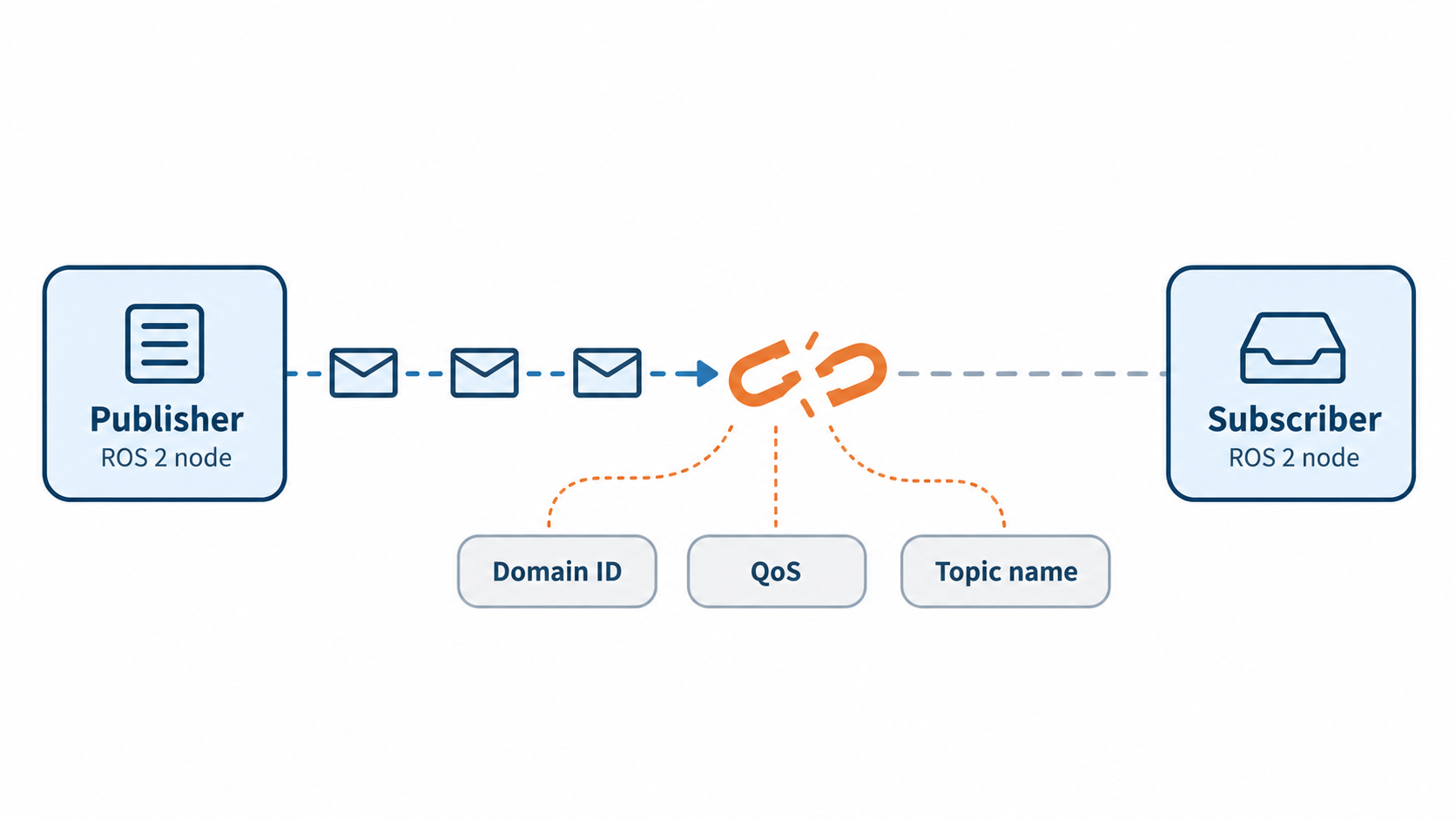
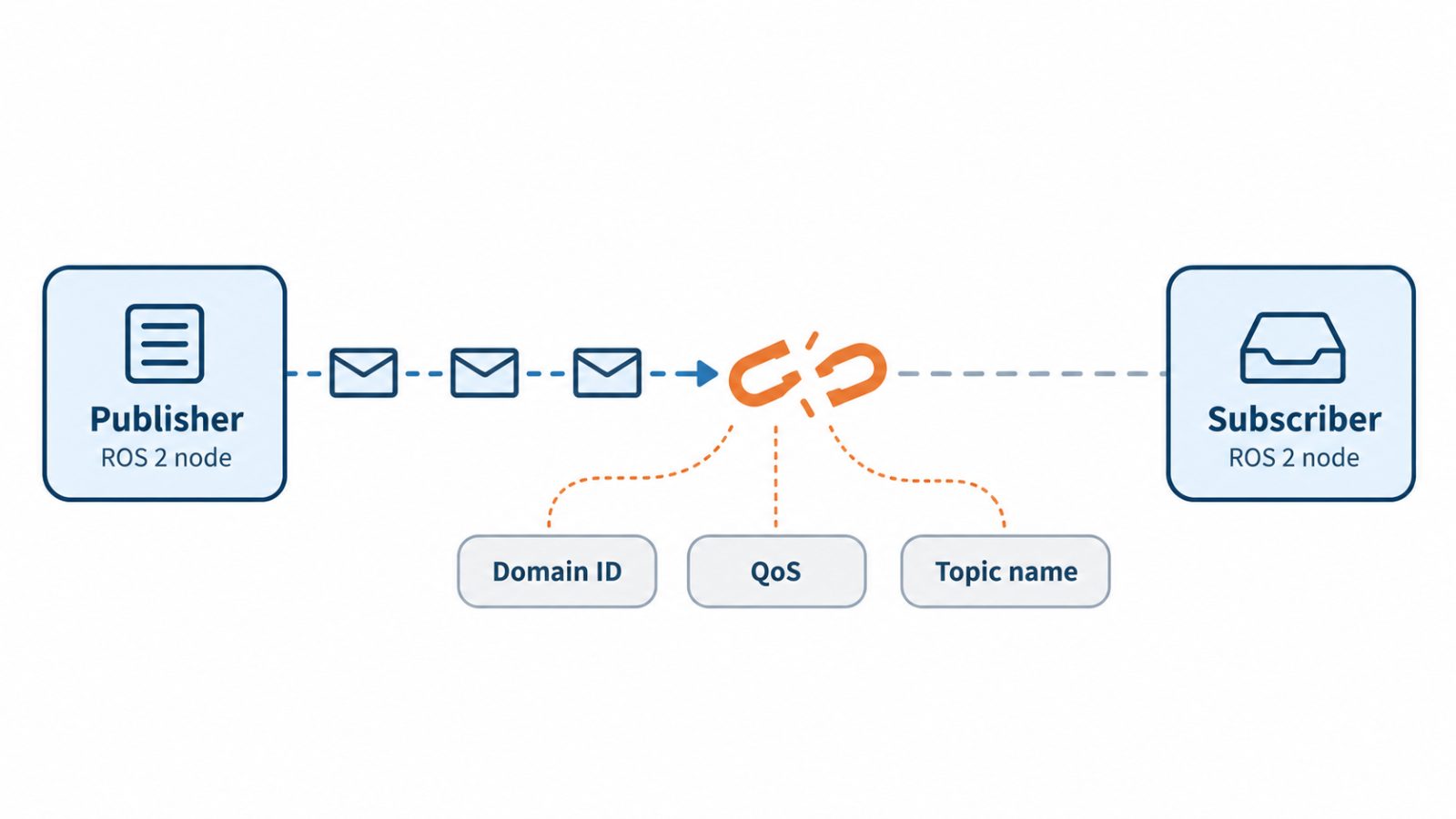
ROS 2 nodes can end up in a similar situation: the publisher sends messages, the subscriber waits, and a configuration mismatch keeps them apart.
Let’s look at the most common reasons why this happens and how to find what’s stopping the conversation.
1. Different ROS_DOMAIN_ID values
This is the classic, and it is embarrassingly easy to hit. The ROS_DOMAIN_ID environment variable splits the network into isolated "domains." Nodes in different domains cannot see each other at all, by design. If one terminal has ROS_DOMAIN_ID=5 and another has the default (0), they are effectively on different planets.
It usually happens when you open a new terminal and forget that your .bashrc isn't setting the variable, or when a teammate on the same Wi-Fi uses a different value than your robot does. Run echo $ROS_DOMAIN_ID in every terminal involved. If it's empty, you're on domain 0. If you share a lab network with other developers, two people on the same domain will see each other's nodes, which creates the opposite and equally confusing problem of mysterious topics you never launched.
2. QoS mismatches
If I had to pick the single most common reason for "my topic is visible but no data arrives," this is it. In ROS 2, every publisher and subscriber carries a Quality of Service profile, and the two sides must be compatible for a connection to form.
The usual offenders are reliability and durability. A subscriber requesting reliable delivery will not connect to a publisher offering best effort, because the publisher can't promise what the subscriber demands. The reverse works fine. The same logic applies to durability: a subscriber asking for transient local (to receive the last published message, like a latched topic in ROS 1) won't match a publisher offering volatile.
This bites hardest with sensor drivers. Many camera and lidar drivers publish with best-effort QoS for speed, while your hand-written subscriber uses the default reliable profile.The topic shows up in ros2 topic list, and ros2 topic hz may even show data, because the command line tools adapt their QoS to match the publisher. Your own node uses the default reliable profile, so it receives nothing.
The fastest diagnosis is: ros2 topic info /your_topic --verbose
This prints the QoS profile of every publisher and subscriber on that topic. Compare them side by side. Newer ROS 2 distributions will also emit a warning like "New publisher discovered on topic, offering incompatible QoS" if you look at your logs closely, so don't ignore those lines. The fix is to match profiles, or use rclcpp::SensorDataQoS() / qos_profile_sensor_data on the subscriber side for sensor streams.
3. Topic name or message type mismatches
Two nodes can only talk if they agree on both the topic name and the message type. Sounds obvious, but it fails in subtle ways.
A single typo, or a relative name resolving differently than you expected, will leave your nodes talking past each other. For example, a node in the /robot1 namespace that publishes to cmd_vel is really publishing on /robot1/cmd_vel, while a name starting with / is absolute and ignores the namespace entirely.
Use ros2 topic list -t to see names alongside types, and ros2 topic info to confirm what each endpoint expects. Custom message packages add another layer: if two machines have different versions of your my_msgs package, the types may share a name but differ in definition. Rebuild and re-source both sides.
4. Namespaces and remapping surprises
Namespaces are wonderful for multi-robot systems and a quiet source of bugs everywhere else. A node launched in the /robot1 namespace that publishes to cmd_vel is actually publishing on /robot1/cmd_vel. Your subscriber listening on /cmd_vel will never hear it.
The same trap exists with remappings in launch files. A remap that looks right in your head may not apply to the node you think it does. When in doubt, don't guess: run ros2 node info /your_node and read the exact topic names it publishes and subscribes to. The resolved names are what matter, not the ones in your source code.
5. Discovery problems across machines

When everything works on your laptop but breaks the moment a second computer joins, suspect discovery. By default, DDS uses UDP multicast to find peers, and multicast is exactly what many networks quietly block.
Common culprits include:
Firewalls on either machine blocking UDP traffic.
Wi-Fi access points that filter or throttle multicast, especially on corporate, campus, or guest networks.
VPNs that route traffic through a tunnel which doesn't forward multicast.
Machines on different subnets, where multicast typically doesn't cross the router.
There's a handy built-in test. On one machine run ros2 multicast receive, and on the other run ros2 multicast send. If the receiver doesn't print anything, multicast isn't getting through, and no amount of code changes will help. The fixes range from simple (disable the firewall temporarily to confirm it's the cause, then open the right ports) to structural: use a wired connection, or configure your DDS vendor for unicast discovery with an explicit peer list. Fast DDS offers a Discovery Server mode, and Cyclone DDS lets you list peers in its XML configuration, both of which avoid multicast entirely.
Also check for ROS_LOCALHOST_ONLY=1 (or, in newer distributions, ROS_AUTOMATIC_DISCOVERY_RANGE set to localhost). These settings deliberately restrict discovery to the local machine. They are great for avoiding cross-talk on shared networks, and terrible when you forgot you set them. Note: “ROS_AUTOMATIC_DISCOVERY_RANGE and ROS_STATIC_PEERS apply to DDS-based middleware. rmw_zenoh doesn’t support them.
A quick debugging checklist
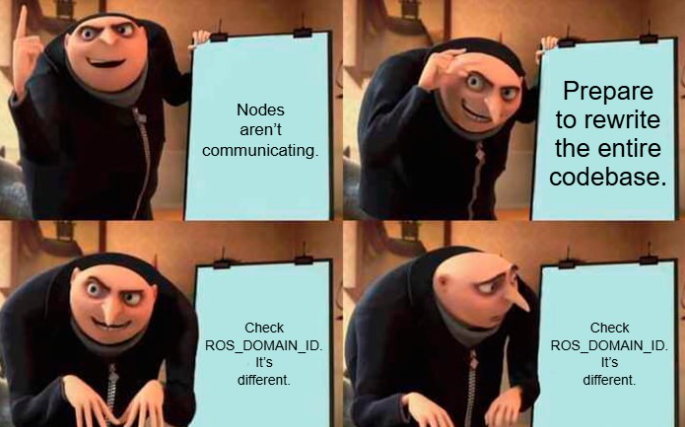
When nodes won't talk, resist the urge to rewrite code. Work through this in order:
Domain: echo $ROS_DOMAIN_ID in every terminal and container.
Visibility: ros2 node list and ros2 topic list -t to confirm both sides see the topic and agree on its type.
QoS: ros2 topic info /topic --verbose and compare reliability and durability.
Resolved names: ros2 node info /node to catch namespace and remap errors.
Network: ros2 multicast send and receive between machines.
Environment: match RMW_IMPLEMENTATION and check the localhost-only and discovery-range settings.
Overall health: ros2 doctor --report for a summary of your setup.
Most ROS 2 communication failures are not deep bugs. They are configuration disagreements. Build the habit of checking the cheap things first: domain ID, QoS, names, and network. Nine times out of ten, the answer is sitting in the output of one of those commands. And the tenth time? At least you'll have ruled out everything common, which is exactly where a good debugging story begins.