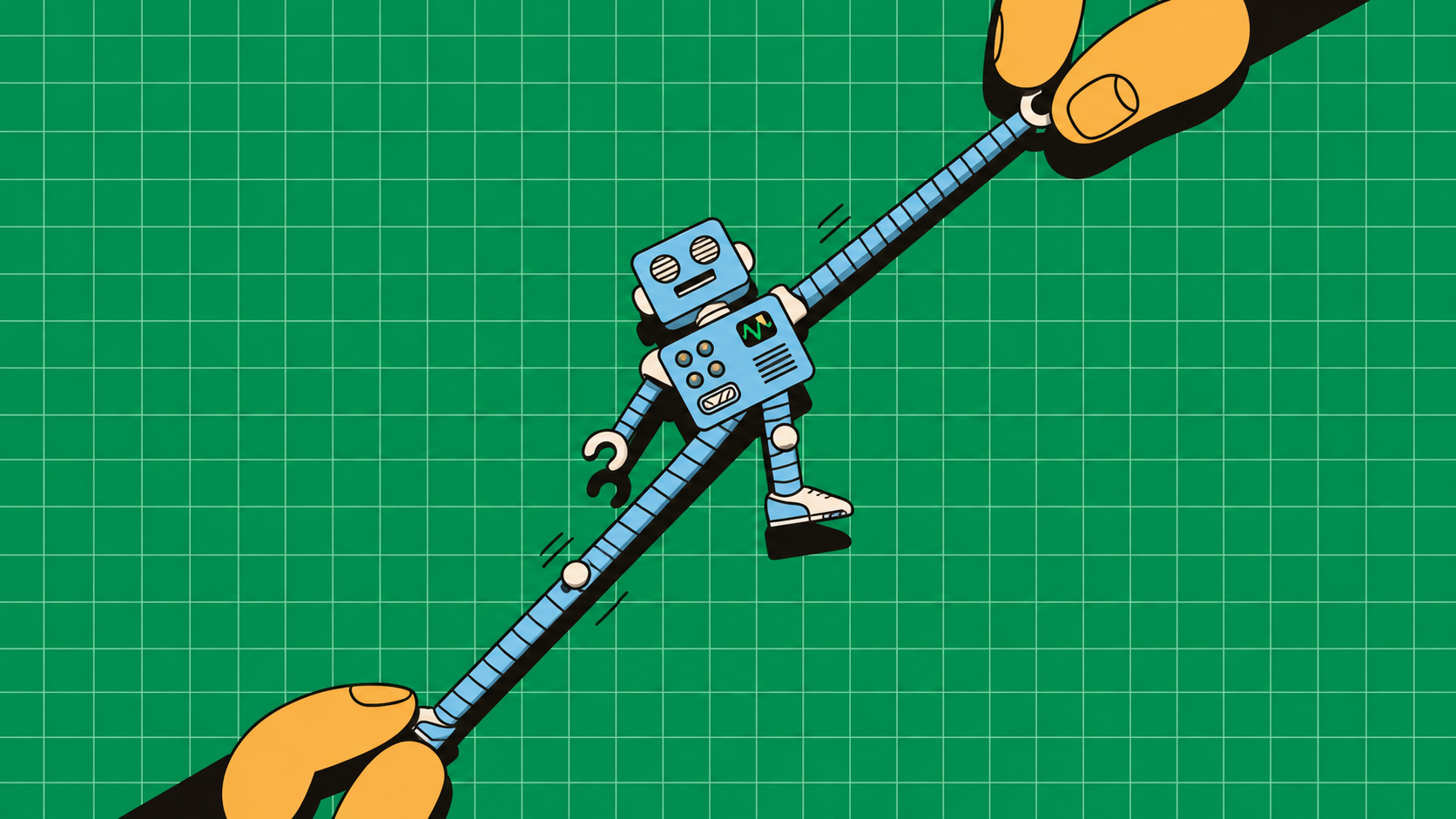
Saying “I use AI in 2026” is like saying “I have access to a spaceship.” Not everyone knows how to use it.
Because some of us have been sitting in the cockpit, surrounded by blinking controls and enormous possibilities, asking the onboard computer to make “okay, noted” sound more professional. The spacecraft remains parked. The thrusters stay cold.
The ship will not move until you stop treating the computer like a fancy autocomplete and start giving it actual flight plans. That is what happens when you are handed a tool this powerful and default to the same low-stakes prompts everyone else is using. You can generate slightly better emails. You can rephrase Jira tickets. You can generate slightly better emails. You can rephrase Jira tickets. You can ask it to summarize a PDF you were never going to read anyway, and sure, that is useful, but it is also the equivalent of buying a spaceship and using it to commute to the kitchen.
The real shift happens when you stop asking AI to do the tiny tasks around your work. For engineers, using AI effectively starts with better problems: broken code, unfinished projects, confusing hardware, and robots with questionable survival instincts.
Here are five practical AI tricks that give the spaceship somewhere to go.
1. Make AI Debug Your Code Before You Blame Anyone
An error message is feedback from your computer. Unfortunately, your computer communicates like it wants you to resign.
AI coding assistants can explain errors and suggest fixes, but they need more than “bro, it’s broken.” GitHub’s debugging guidance uses code context and error messages to help investigate problems.
Try this with a Python sensor logger:
Copy the smallest code sample that reproduces the problem.
Include the full traceback, package versions, and sample input.
Describe what you expected and what actually happened.
Ask for a diagnosis before requesting changes.
Use this prompt:
“This Python script reads temperature values from a CSV. It crashes when a value is missing. Here are the code, traceback, and sample data. Identify the likely cause, explain your reasoning, and suggest the smallest fix. Add tests for valid numbers, blank cells, and malformed text. Don’t rewrite unrelated code.”
For example, float("") raises a ValueError. A useful fix handles missing input deliberately. An unhelpful fix wraps everything in except: pass, giving your broken program the emotional coping strategy of avoidance.
2. Turn a Sketch Into a Working UI Because Coding Is Optional Now
Your notebook contains a dashboard sketch: three rectangles, a graph, and a button labelled “START.”
To you, it’s a robot control interface. To everyone else, it’s a building evacuation plan.
An image-capable coding assistant can use that sketch as a reference for a first implementation. The trick is to describe the behaviour the drawing cannot show.
Try building a robot monitoring dashboard:
Sketch battery level, connection status, sensor readings, and a chart.
Label each element clearly and photograph the page.
Upload it to an assistant that accepts images and generates code.
Request a small browser prototype before connecting hardware.
Use this prompt:
“Turn this sketch into one HTML file with CSS and JavaScript. Build a responsive robot dashboard with battery percentage, connection status, and a temperature chart. Use clearly labelled simulated data. Include Start and Stop controls for the simulation, keyboard-accessible buttons, and a visible disconnected state. Explain how to open it locally.”
Save the result as index.html and open it in your browser. If it requires dependencies or a local server, ask for exact setup instructions.
Then test the awkward bits: shrink the window, navigate using Tab, and disconnect the simulated feed. Does the interface display stale readings as if they’re live?
One important distinction: a button labelled “Emergency Stop” is just a button until a properly engineered stopping system exists behind it.
Congratulations on the interface. The robot still requires adult supervision.
3. Make AI Turn Your Random Idea Into an Actual Engineering Project
Every engineer has an idea beginning with “What if we built…”unfortunately most of us end up scrolling reels on instagram.
AI becomes useful when you make it convert enthusiasm into constraints.
Take an automatic plant-watering system. “Build a smart farming solution” invites buzzwords. “Water one balcony plant using an ESP32” gives you somewhere to start.
Use this prompt:
“Help me plan a beginner ESP32 plant-watering prototype. My target budget is ₹2,000, excluding tools. I have two weekends and basic Arduino experience. Give me a minimum viable design, component specifications, estimated costs clearly marked for verification, wiring assumptions, milestones, and acceptance tests. Identify missing information before choosing components. Avoid unnecessary cloud services.”
Then develop it in stages:
Read and log the moisture sensor.
Calibrate readings in dry and wet soil.
Test pump switching separately.
Combine sensing and watering with a maximum pump runtime.
Test sensor failure and an empty reservoir.
Ask the assistant to explain every component’s purpose. Verify voltage requirements, pump current, switching circuitry, and protection against manufacturer documentation before wiring. A GPIO pin is a signal output, not a tiny electricity charity.
The underrated follow-up:
“What can I remove while still proving the main idea works?”
You probably need a moisture reading and controlled watering. You probably don’t need blockchain.
Finish with measurable acceptance criteria: the pump stops after the configured timeout, invalid readings prevent watering, and each watering event appears in the log.
Now you have a project plan instead of a startup pitch with exposed wires.
4. Make AI Train Your Robot
Before you promise your robot a career in domestic labour, give it one manageable skill: recognising what’s in front of a camera.
A beginner-friendly option is Google’s Teachable Machine, which lets you train image, sound, or pose models and export them for use in applications.
Try a tabletop classifier that distinguishes a plastic bottle, a cardboard box, and an empty workspace.
Here’s the workflow:
Open Teachable Machine and create an image project.
Create three classes: bottle, box, and empty.
Collect examples with different angles, distances, backgrounds, and lighting.
Train the model.
Test using fresh examples you did not train on.
Export it and use the supplied integration example to display predictions.
Teachable Machine provides JavaScript examples for loading an exported image model and running predictions.
Start with roughly 100 varied images per class as an experiment, not an accuracy guarantee. A hundred nearly identical webcam frames won’t teach much variation.
Ask your coding assistant:
“Using this exported Teachable Machine model and its official example, build a webcam page showing the predicted class and score. Display ‘uncertain’ below a configurable threshold. Log predictions without controlling hardware.”
A model score is not a guarantee of correctness. Test unfamiliar objects too: the model may confidently label your coffee mug as a bottle because those are the categories it knows.
You’ve trained a perception component, not the entire robot. Grasping, movement, and safe control remain separate engineering tasks.
But it can now distinguish packaging. Several group-project members have contributed less.
5. Make AI Investigate Your Sensor Data Before You Start Replacing Parts
Your robot drifts left. Naturally, you suspect the motor, the wheels, the floor, and eventually the institution that awarded your degree.
First, inspect the data.
Give an assistant a small CSV containing timestamps, commanded speeds, measured wheel speeds, and battery voltage. Explain the units and how you collected it.
Use this prompt:
“Analyze this differential-drive robot log. Plot commanded versus measured speed for each wheel, calculate tracking error, and flag missing timestamps. Check whether leftward drift coincides with wheel-speed mismatch or voltage changes. Separate observations from hypotheses. Give me reproducible Python code and don’t invent missing values.”
Make the analysis useful:
Record a repeatable straight-line test.
Keep the surface, load, and speed setting consistent.
Inspect the generated plots and calculations.
Change one suspected factor and repeat.
If one wheel consistently runs slower under the same command, you have evidence worth investigating. You do not yet have proof that the motor is faulty. Calibration, friction, wiring, or encoder measurements could also explain it.
Ask: “What next experiment would distinguish these explanations?”
That question turns AI from a confident guesser into a useful lab partner. The best AI tricks reduce the distance between an idea and something you can inspect, test, and improve.
The spaceship can finally leave the parking lot. Please verify which button deploys the landing gear.