You know what’s more confusing than making the right choices in life? Choosing the right board for your engineering project.
They all look like something your parents would throw away while cleaning your room. Yet somehow, choosing one requires three comparison videos, one good therapy session, a little self care routine and one guy on the internet telling you to “just design your own PCB.”
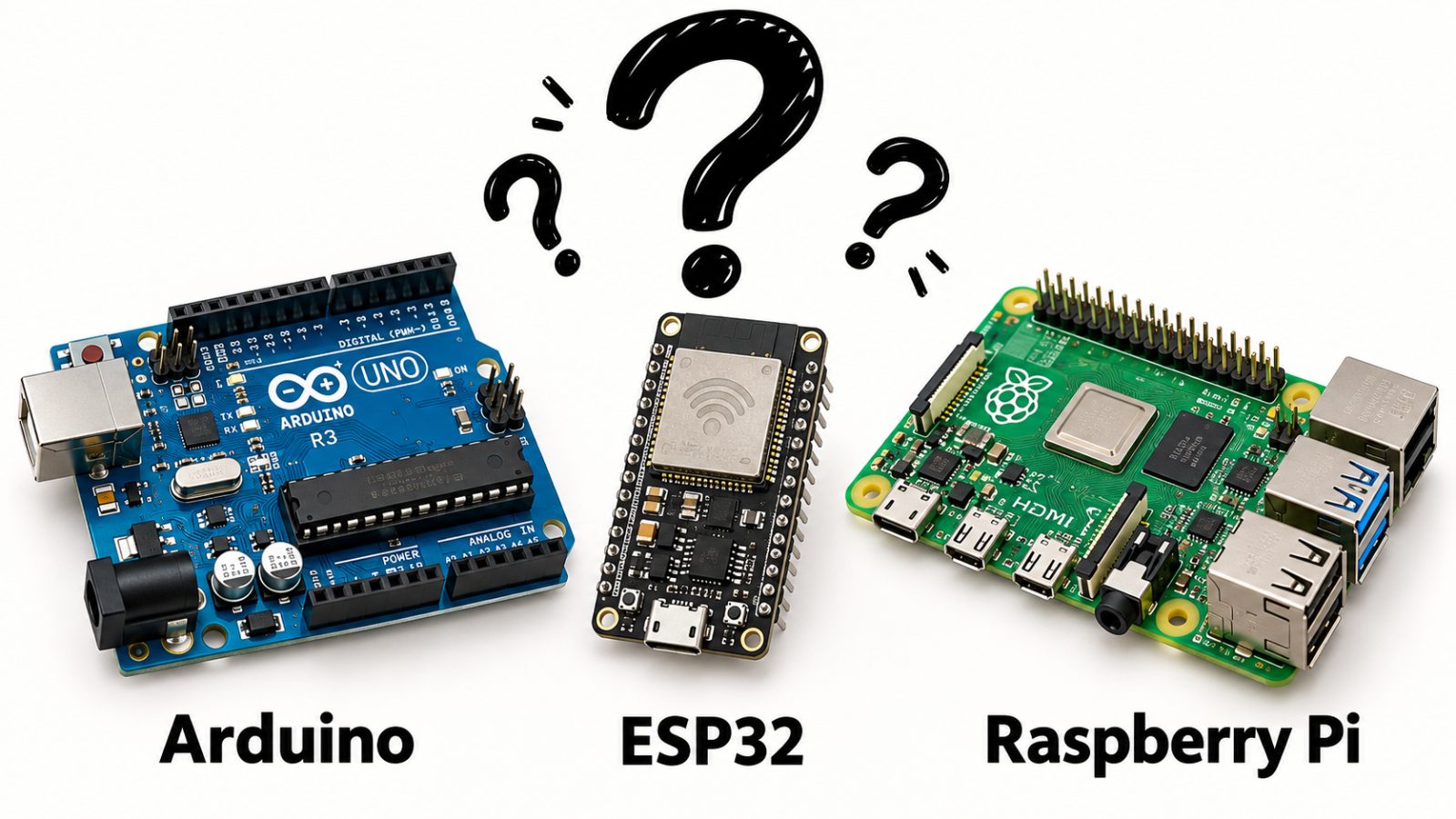
We can’t fix your life, but we can definitely help you choose between Arduino, ESP32, and Raspberry Pi. You’ll still have problems, but buying the wrong board won’t be one of them.
1. They’re Not the Same Thing
Before we compare these boards, we need to address the reason this gets confusing: they’re constantly recommended together, so people assume they’re interchangeable. These boards often appear in the same projects, but they do not all do the same job.
A typical Arduino Uno and a common ESP32 development board are built around microcontrollers. You upload a program, and the board runs it: read a sensor, check a condition, trigger an output, repeat.
A Raspberry Pi computer runs an operating system and applications. It can manage files, process images, host services, and handle several software tasks. A Raspberry Pi can also run the dashboard, store the readings, and process camera footage. Whether your water tank deserves that department is another question.
One clarification before the comment section clocks in: Arduino is a platform with many boards. Here, we’re mainly comparing an Uno R3-style board, common Wi-Fi-enabled ESP32 development boards, and Raspberry Pi computers. The Raspberry Pi Pico is a microcontroller board, so it belongs in a different comparison.
Also, “control” and “compute” describe their strengths, not exclusive abilities. Microcontrollers perform calculations, and Raspberry Pi computers can control hardware. The useful question is how much software, connectivity, and hardware control your project needs.
2. Arduino: Built to Control Things
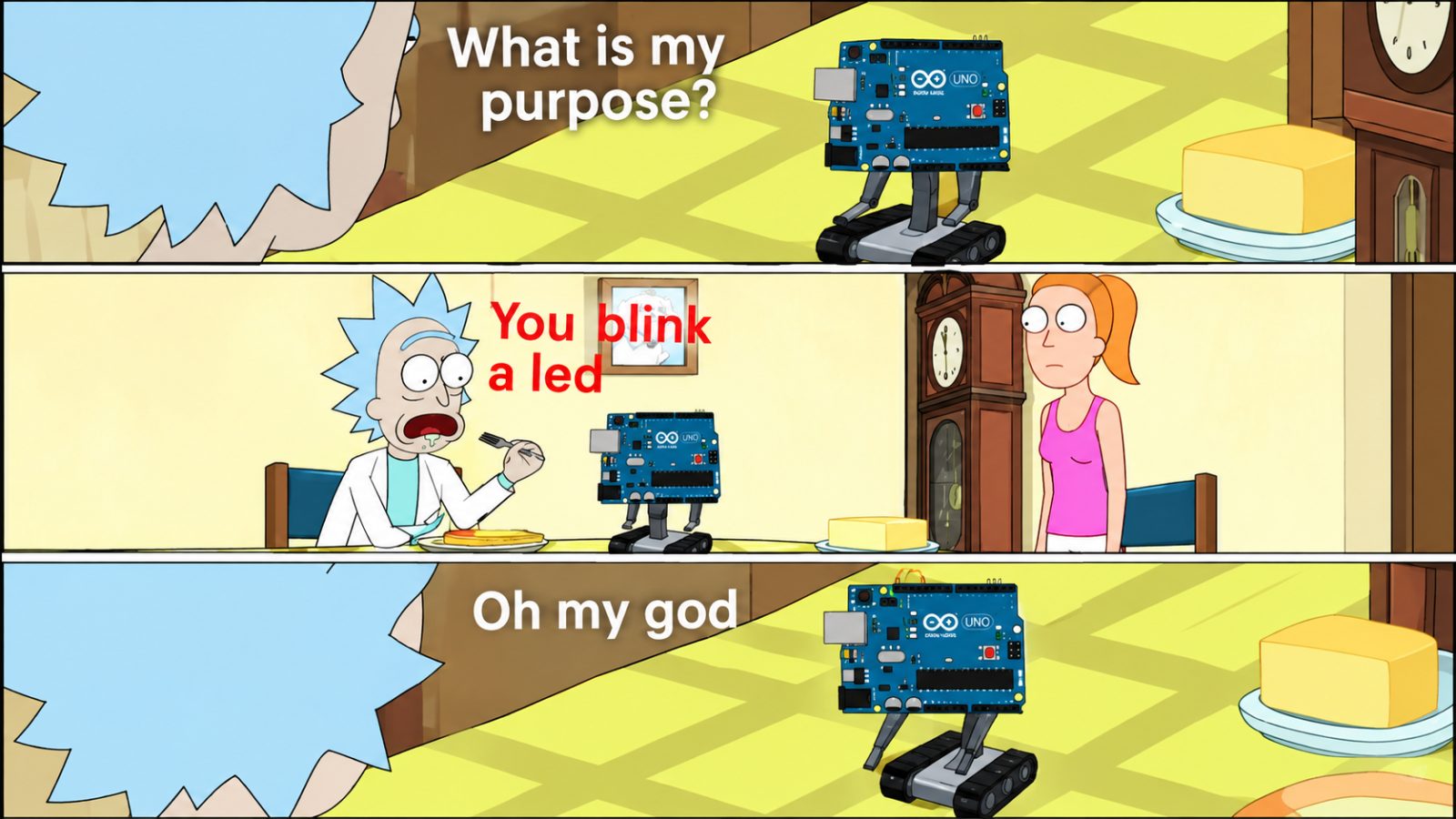
An Arduino Uno is a sensible starting point when your project needs to interact with the physical world without running an entire computer.
The logic is direct enough that when something fails, you can usually narrow it down to wiring, code, power, or that jumper cable whose only contribution is looking connected. For beginners learning electronics, this simplicity matters. You can focus on inputs, outputs, timing, and basic programming without simultaneously learning Linux administration.
The Arduino IDE lets you write and upload programs called sketches. Examples and libraries help you get common sensors and modules working without starting every project from an empty file and a personal crisis. Good Arduino projects include line-following robots, automatic plant watering, temperature alarms, and simple servo mechanisms.
An Uno R3 does have limited memory and processing capacity. It is not the right board for running a Linux desktop or processing demanding video streams. That does not make it useless. Remember that controlling a motor means sending signals through suitable driver hardware. A board’s output pin is not a tiny power station. Choose a classic Arduino when the project is mainly about reading inputs and controlling outputs, and you value a straightforward learning experience.
But what if you want those readings on your phone?
3. ESP32: Built to Control Things, Wirelessly
The ESP32 enters when your project needs to control hardware and communicate wirelessly.

Common ESP32 boards combine a microcontroller with built-in Wi-Fi, and many also offer Bluetooth. That makes them useful for connected sensors, home automation, remote monitoring, and phone-controlled projects. Compared with the classic Uno R3, common ESP32 boards offer considerably more processing headroom and memory. Many can also be programmed through the Arduino IDE after installing the appropriate board support.
Moving to ESP32 therefore does not necessarily mean abandoning everything you learned with Arduino. Familiar programming patterns can carry over, although pin assignments, libraries, and hardware behaviour need checking. This is why “Arduino but with Wi-Fi” feels like an easy explanation, but it is incomplete. ESP32 is its own chip family, and some Arduino boards also have wireless connectivity.
Check the exact ESP32 variant before buying. Wireless features differ across the family; not every chip offers the same combination of Wi-Fi and Bluetooth. There are electrical differences too. ESP32 GPIO generally uses 3.3-volt logic, so you cannot casually copy every 5-volt Uno connection. Check compatibility and use level shifting where required.
Still, if your project needs hardware control plus wireless communication, ESP32 deserves consideration. If it needs substantial image processing or several larger applications, it’s time to look at a computer.
4. Raspberry Pi: Built to Compute Things
A Raspberry Pi computer becomes useful when your project needs a fuller software environment. You can run Linux, write Python programs, work with cameras, serve a web interface, and use computer vision tools such as OpenCV.
Suppose your robot needs to follow a coloured object. The camera captures images, software analyses them, and the system decides where to move. That workload is a better reason to consider a Raspberry Pi than “the expensive board must be more professional.”
Model choice still matters. Camera resolution, frame rate, algorithms, and available memory all affect performance. Buying a Pi does not automatically unlock unlimited artificial intelligence. It can interface with hardware through GPIO, but ordinary Linux applications do not guarantee precise timing. For tightly timed motor control, pairing the Pi with a microcontroller can make sense.
Projects involving camera processing, local dashboards, data logging, or several software services are good reasons to consider a Raspberry Pi.
Basically, one decides where to go. The other makes the wheels co-operate. A surprisingly healthy working relationship. The extra computing capability also brings practical overhead: boot time, operating-system maintenance, storage, and a suitable power supply. Some setups need cooling too.
Use a Raspberry Pi when the software you need justifies running a computer.
5. You Must Choose. But Choose Wisely.
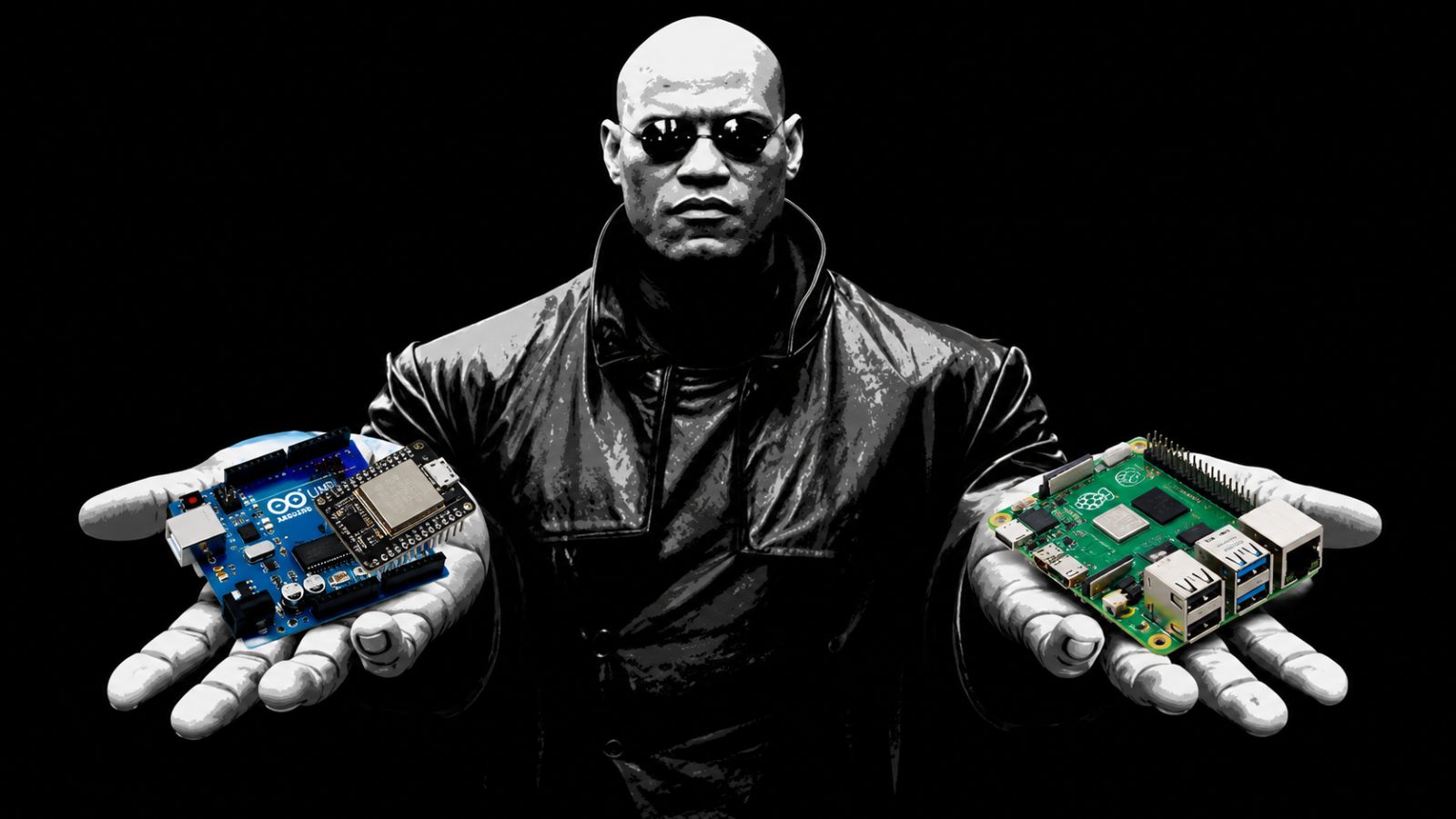
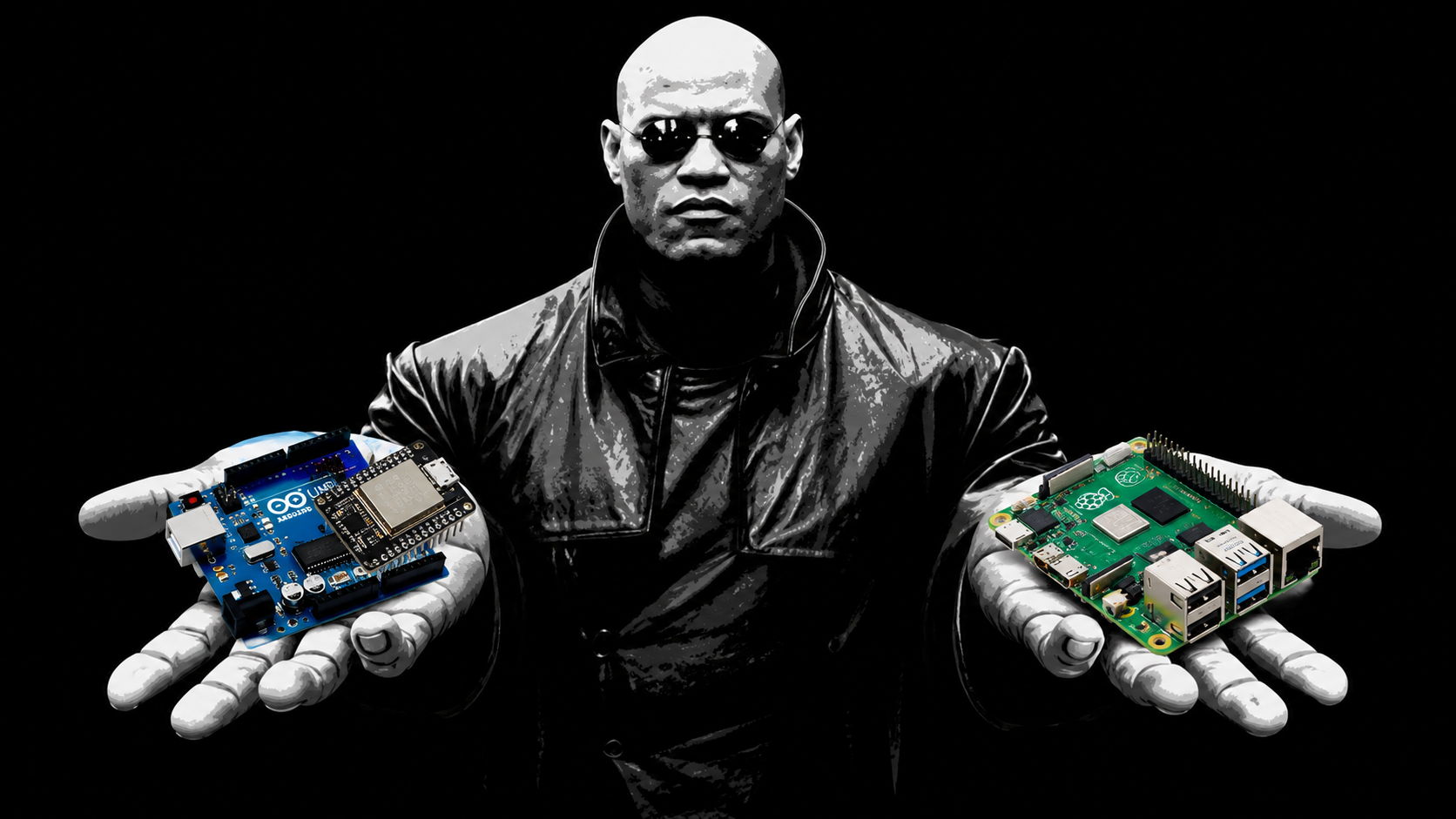
By now, choosing a board should feel less like choosing between the red pill and the blue pill. Neither will reveal the truth about the universe. One might reveal that you ordered the wrong USB cable.
Reading sensors and controlling motors? An Arduino Uno could be enough. Sending readings over Wi-Fi? Consider an ESP32. Processing camera images while running a dashboard? A Raspberry Pi starts making sense. Your LED, however, has not requested Linux.
Then check the details: available pins, voltage compatibility, power consumption, software support, and total cost. This is the slightly boring part that prevents the significantly more boring experience of ordering everything twice.
You also don’t have to follow an Arduino-to-ESP32-to-Raspberry-Pi progression. Your Uno doesn’t evolve after successfully blinking an LED fifty times. Start with whichever board fits, and combine boards if the project needs it. And please, you don’t need all three to “future-proof” yourself. You have one unfinished project and ambitions for seventeen more. Let’s fund the one that exists.
You can spend another week deciding, or start building and discover that the board was never the problem. It was the USB cable. It only charges.